In-Context Privacy Learning for Chatbots (Just-in-Time Tools)
Table of Contents
- Introduction
- Why This Matters
- Privacy Isn’t Just a Policy—It’s a Moment
- The Study: Teaching Privacy While You Chat
- What Users Learned (and What They Didn’t)
- UI/UX Lessons: Designing Privacy Tools People Actually Use
- Key Takeaways
- Sources & Further Reading
Introduction
If you use chatbots, you’ve probably had that “oops” feeling—maybe you pasted something that felt harmless at the time (a name, an address, an email), and only later thought: Wait… should I have shared that? New research explores exactly how to reduce that “oops” moment by teaching privacy in context, right inside the conversational flow.
This blog is based on new research from Investigating In-Context Privacy Learning by Integrating User-Facing Privacy Tools into Conversational Agents. The core idea is simple but powerful: instead of asking people to learn privacy from a separate guide, the system interrupts at the right moment, shows what might be sensitive, and gives easy protective options—so learning happens through experience, not just reading.
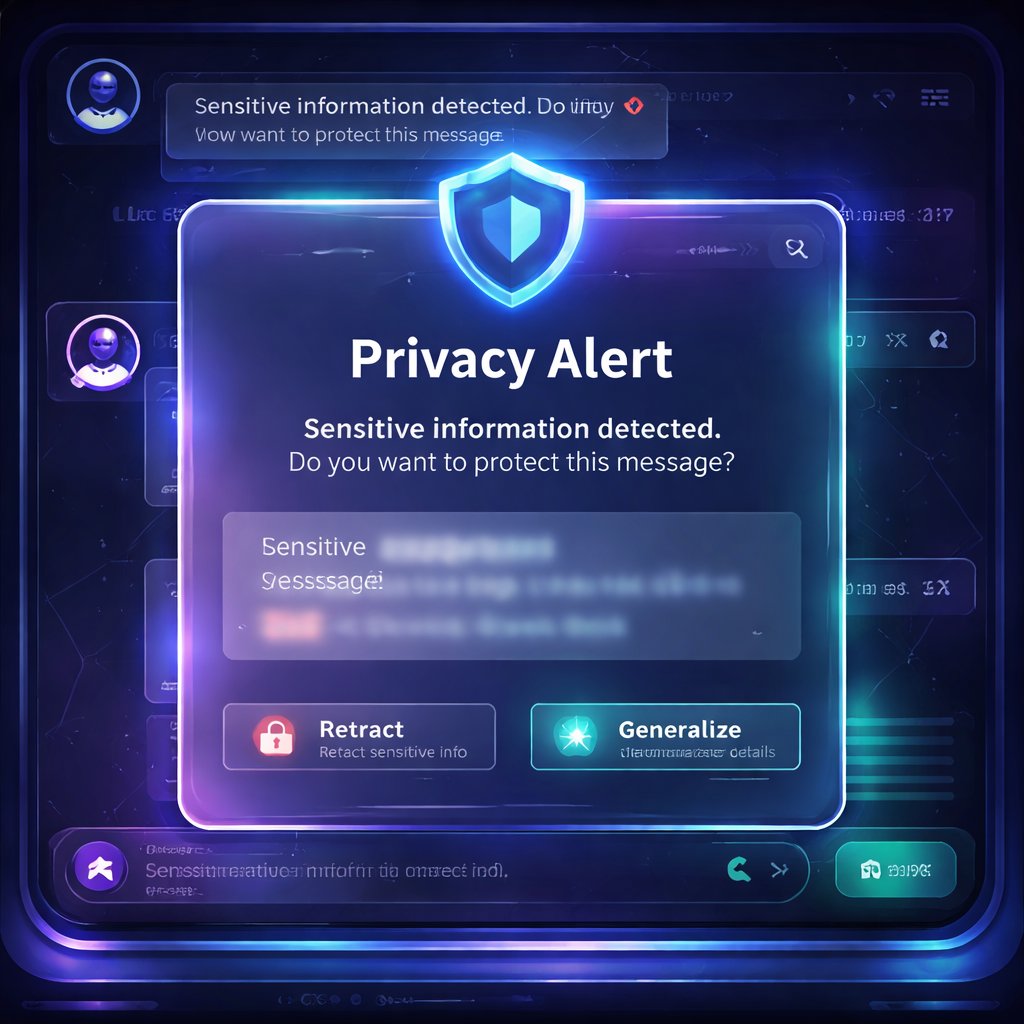
The researchers integrated a privacy notice panel into a simulated ChatGPT-like interface. The panel appears when a user tries to send a message containing potentially sensitive information and offers actions like retracting, generalizing, or faking details—plus shortcuts to real chatbot privacy controls (like disabling memory and opting out of content sharing). Then they measured how users’ privacy thinking changed from before to after realistic chatbot tasks.
Why This Matters
Right now, privacy problems with chatbots aren’t mostly about ignorance of privacy as a concept. People often say privacy matters. The real gap is that chatbot use is fast, goal-driven, and full of micro-decisions. Users decide what to share in seconds while they’re trying to get an email drafted, a contract searched, or a long document summarized. At that speed, privacy becomes an afterthought.
What makes this research significant now is that it targets this exact failure mode: the mismatch between what users believe and what they actually do during real interaction. The study found that most participants disclosed sensitive details in the first task session when there was no privacy panel, even though they could articulate what sensitivity means beforehand. That’s not a “users don’t care” problem—it’s a “users don’t have the right support at the right time” problem.
A practical scenario you can apply today: imagine you’re using a chatbot to summarize an internship contract or draft a reply to HR. You paste a clause containing an address, a phone number, or identifying details. A just-in-time privacy tool could flag it instantly and offer options like “generalize ZIP code” or “retract the phone number” without forcing you to leave the chat. That turns privacy from a burden into a lightweight workflow choice.
Finally, this research builds on earlier AI-human interaction work by shifting from “awareness screens” and static explanations to in-action learning. It’s closer in spirit to experiential learning than to traditional education—and it complements prior studies on privacy notices and sanitization tools by going further: measuring changes in privacy perceptions after exposure, not just short-term attention.
Privacy Isn’t Just a Policy—It’s a Moment
One of the most useful framing choices in the paper is that privacy isn’t only about laws or settings—it’s about contextual appropriateness. In other words, the question isn’t only “Is this information sensitive?” It’s “Should I reveal this information in this situation, for this task, to this system—right now?”
The “privacy paradox” hits hardest in chat
The study points out a common pattern sometimes called the privacy paradox: people can express privacy concerns in surveys, yet their real behavior in daily tools doesn’t reflect those concerns.
In this research, participants could explain what sensitive information means before the study. Many also said protecting it is important. But when the chatbot interface lacked a privacy panel, participants did not meaningfully apply that knowledge during the first task session—they went ahead and submitted most embedded sensitive data that the tasks contained.
So the issue wasn’t a lack of understanding. It was a lack of decision support while decisions were being made.
Why standalone education doesn’t stick
The paper also argues that standalone learning resources (guides, courses, academic modules) often don’t transfer cleanly into real, time-pressured moments. You might learn “PII is sensitive,” but in practice you need to decide:
- whether a detail is sensitive for this specific task,
- whether it’s necessary to provide it for the chatbot to do its job,
- and what effort is required to protect it.
A just-in-time panel doesn’t just tell users what sensitivity is—it helps them do something about it.
The Study: Teaching Privacy While You Chat
To test whether in-context privacy tools can support learning, the researchers designed an experiment with a privacy panel integrated into a simulated ChatGPT interface.
The simulated ChatGPT interface + the privacy panel
The system mimicked a ChatGPT-like layout with:
- a message input,
- a conversation area,
- and a settings menu (including toggles for model-training content sharing and memory).
On top of that, they added a privacy notice panel that intercepts message submission. Importantly, it appeared only when users tried to send a message containing certain types of potentially sensitive information (detected inside the tasks).
The panel did several things:
1. Warning Message: It informed users their message contained potentially sensitive info (like names, physical addresses, phone numbers, etc.).
2. Anonymization Panel: It listed detected sensitive items and let users act on them.
3. Protective actions: For each detected item, users could choose:
- Retract (replace the exact value with a type label)
- Generalize (keep coarse detail, like year or region/ZIP granularity)
- Fake (swap in a dummy value)
Also included were bulk options like “Anonymize All” and “Restore All.”
4. Shortcuts to built-in privacy controls: Buttons for disabling memory and opting out of training-data sharing.
5. FAQs: A set of expandable questions meant to provide background and help users think about trade-offs.
The panel was optional and non-blocking: it appeared on the side without freezing the conversation.
Who participated and what they did
The study focused on 10 computer science undergraduate/master’s students at a US university (balanced gender, varying chatbot use frequency).
The experiment ran in five phases:
1. Pre-test survey (baseline privacy perceptions):
- What participants think sensitive information means
- How important protection is
- What protective actions they think they can take
- What chatbot features would help
2. & 3. Two task sessions (at least a week apart):
- One session used the chatbot without the privacy panel
- The other used it with the privacy panel
- Participants completed tasks designed to feel like realistic chatbot work: summarizing text, classifying text, searching long documents (like contracts), and drafting emails.
- They shared their screen and did “think-aloud” while interacting.
4. Immediate post-test survey
5. Delayed post-test survey (at least one week later), repeating the baseline questions to detect longer-term shifts.
A key detail: the tasks embedded sensitive information, but the participants weren’t told the study’s privacy goals until later—reducing demand bias.
How the tool measured learning
The researchers used qualitative analysis of:
- pre/post survey answers,
- and think-aloud transcripts.
They looked at:
- participants’ definitions of sensitive information,
- how important they considered protection,
- what actions they said they could take,
- and what interface features helped or hindered protection.
This is where the study gets interesting: the privacy panel wasn’t just evaluated for usefulness—it was evaluated for whether it changed privacy thinking.
What Users Learned (and What They Didn’t)
The study’s results show a clear pattern: behavior and thinking shifted when the panel was present, but not equally across every component of the interface.
1) Before the panel: knowledge didn’t translate into action
During the first session (no panel), the paper reports that 8 of 10 participants showed no evidence of considering sensitive information protection and disclosed most embedded sensitive details.
That’s the privacy paradox in action, under realistic conditions. People knew the concept, but they didn’t apply it.
2) With the panel: users started withholding or masking more
In the second session (with the panel), participants increasingly engaged in privacy-preserving actions. They became more active in:
- reasoning about what to protect,
- withholding content,
- and anonymizing details rather than pasting everything verbatim.
Importantly, the study interprets this through experiential learning: the panel didn’t just inform—it made people practice decision-making at the exact moment it mattered.
3) Users showed richer privacy beliefs after the experience
Post-study, more participants expressed several privacy-related conceptualizations, including:
- sensitivity as leading to serious harm (e.g., identity theft),
- sensitivity as access-limited data (only for specific people),
- sensitivity tied to identifiability (directly or indirectly),
- sensitivity as context-dependent or preference-based.
One theme stands out: even participants who hadn’t mentioned certain ideas before the study sometimes brought them up afterward. For example, some participants began explicitly connecting sensitive details to risks like misuse, targeted prompting, and broader consequences.
What helped most: the anonymization component
The study argues that the anonymization UI was the highest-impact learning mechanism. In the panel, users could try strategies like retract/fake/generalize and see how that changed their prompt content before sending.
Because actions were embedded right into workflow (and happened immediately after submission attempts), users could reflect quickly on effects and trade-offs.
What didn’t help much: the FAQs
Here’s the twist: the FAQs were underused. Only two participants opened the FAQ panel, and only one read parts of it.
As a result, the study found limited changes in perspectives that would have been expected from FAQ content (like deeper changes in how users conceptualize sensitivity). The paper suggests why:
- FAQs were likely perceived as text-heavy or “static resource” content,
- the “FAQ” label may signal instructions about the panel rather than privacy learning,
- and FAQ content lived behind an extra interaction step (a secondary pop-up), adding friction.
So: privacy learning via education text alone may not stick—especially when it’s nested behind extra clicks.
UI/UX Lessons: Designing Privacy Tools People Actually Use
This is one of the most practically useful parts of the paper. It doesn’t just say “the tool worked.” It explains which interface decisions supported or blocked user-led protection.
1) Just-in-time interception was helpful… but can feel annoying
Participants generally liked the panel appearing automatically when they attempted to send sensitive content. It reduced the need to navigate away or remember to check settings.
But interception repeated frequently—sometimes users flagged “names” even when they personally felt those were low-risk. In those cases, participants found repeated pop-ups tedious.
Practical implication: the “right moment” is good, but you may need smarter throttling (e.g., reduce repeats, batch notifications, or offer “apply my preferences for this session”).
2) Terminology is hard—interaction can fix that
The anonymization panel used umbrella language like “anonymize” with options labeled retract/fake/generalize.
Some participants initially struggled to distinguish these just from the names. However, they understood through interaction—especially because the panel included a locate & highlight feature that jumped to the exact piece of text being changed.
Even so, the highlight feature was not noticed by several participants. That led to suggestions like improving visibility or offering clearer examples.
Practical implication: if you’re introducing privacy actions with unfamiliar terminology, make the “what changed?” feedback impossible to miss.
3) Status clarity matters: users assumed actions happened automatically
At least a couple participants initially thought the panel automatically anonymized flagged text. This suggests the interface needed clearer status signifiers (e.g., whether changes are applied immediately or only after clicking a specific button).
Practical implication: for privacy tools, users need confidence about what will happen before they hit “send.” Ambiguity creates both risk and mistrust.
4) Bulk controls are valuable
Participants appreciated being able to:
- view each detected instance,
- apply anonymization individually or in bulk,
- and restore original values.
This matters because privacy action often competes with time and cognitive load. Bulk actions reduce effort while keeping users in control.
Practical implication: include “Anonymize All” / “Restore All” style features—but pair them with visibility and undo.
5) UI prioritization affects learning outcomes
Participants tended to scan the panel from top to bottom:
- warning message first,
- anonymization panel next,
- built-in privacy controls afterwards,
- FAQs last.
So if you put the most important educational content behind later steps, fewer people will reach it.
Practical implication: prioritize the actionable, highest-frequency elements in the primary interaction layer, and minimize dependence on secondary nested content.
6) Privacy vs chatbot utility is a real trade-off
A major tension the study observed: users didn’t want to degrade usefulness. They often balanced privacy against response quality.
The panel’s anonymization strategies likely worked because they preserve enough context while reducing direct identifiability. But the study also hints at a future direction: tooling that helps users understand what to share just enough for task success without over-sharing.
Practical implication: privacy tools should help users reason about minimum necessary disclosure, not only about “remove all sensitive info.”
Key Takeaways
- Just-in-time privacy tools can change privacy thinking and behavior, not just awareness—participants disclosed far less sensitive information when the panel was present.
- Anonymization actions embedded in the workflow are the most effective learning mechanism. Users practiced retracting/faking/generalizing rather than just reading about it.
- FAQs had limited impact because they were less visible, text-heavy, and required extra interaction.
- UI/UX matters as much as privacy logic: clear status indicators, visible “what changed” feedback, bulk actions, and careful placement of content strongly influence whether people actually protect sensitive data.
- For the future of AI, the goal shouldn’t be “privacy education everywhere,” but privacy decision support at the moment of disclosure, with low-friction controls and undo options.
Sources & Further Reading
- Original Research Paper: Investigating In-Context Privacy Learning by Integrating User-Facing Privacy Tools into Conversational Agents
- Authors: Mohammad Hadi Nezhad, Francisco Enrique Vicente Castro, Ivon Arroyo