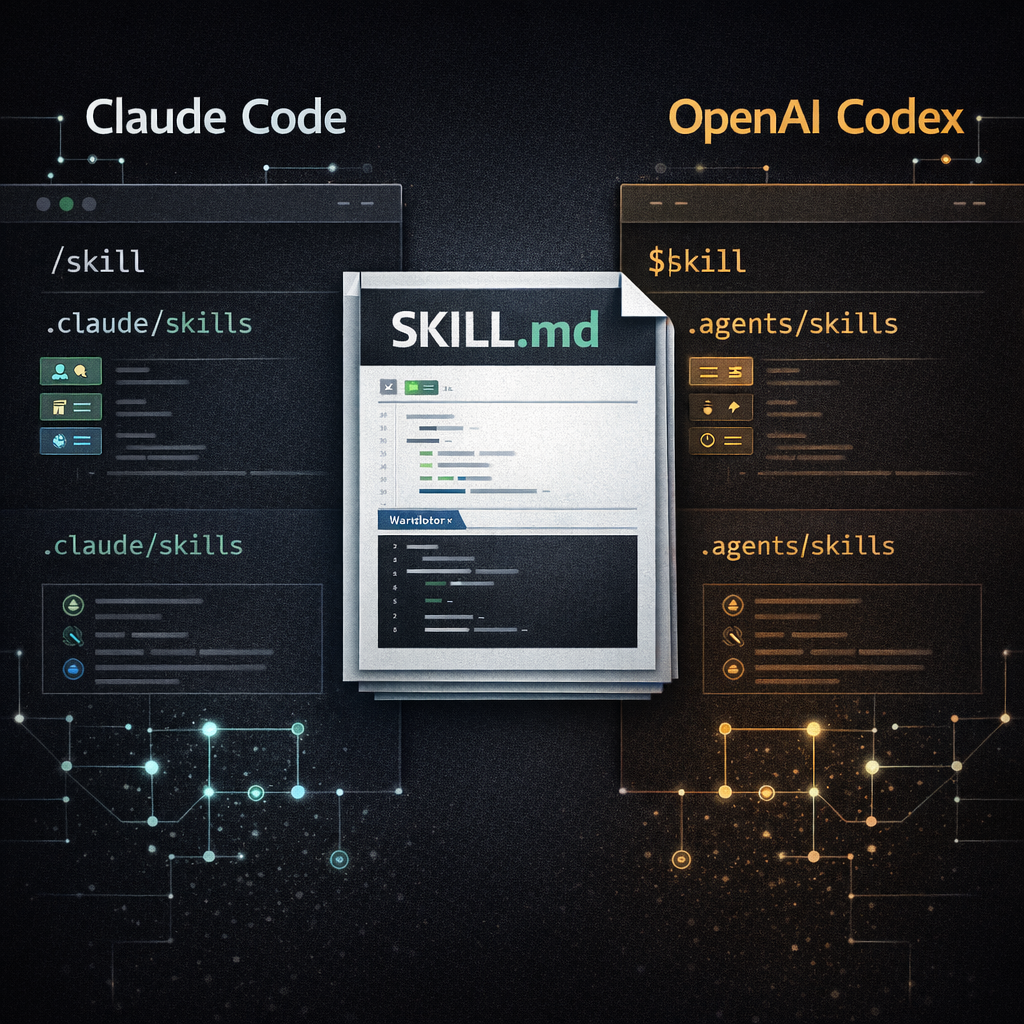
The Short Answer
Use Claude Code Skills when your workflow is centered on Claude Code and you want Claude-specific frontmatter such as disable-model-invocation, allowed-tools, argument-hint, context: fork, agent, paths, hooks, or slash command ergonomics.
Use OpenAI Codex Skills when your workflow is centered on Codex CLI, the Codex IDE extension, or the Codex app and you want .agents/skills discovery, $skill mentions, Codex plugins, or an optional agents/openai.yaml sidecar for UI metadata, invocation policy, and MCP tool dependencies.
For portability, keep the core workflow in a plain SKILL.md folder and isolate platform-specific behavior. Claude-specific controls belong in Claude frontmatter. Codex-specific controls belong in agents/openai.yaml.
Claude Code Skills vs OpenAI Codex Skills Comparison
This is the practical comparison most teams need before choosing a folder layout or migrating a skill between tools.
| Area | Claude Code Skills | OpenAI Codex Skills |
|---|---|---|
| Core file | SKILL.md with YAML frontmatter and Markdown instructions. |
SKILL.md with YAML frontmatter and Markdown instructions. |
| Portable minimum | A skill directory with SKILL.md. Claude recommends description so the model knows when to use it. |
A skill directory with SKILL.md. Codex documents name and description as required. |
| Project path | .claude/skills/<skill-name>/SKILL.md |
.agents/skills/<skill-name>/SKILL.md |
| User path | ~/.claude/skills/<skill-name>/SKILL.md |
$HOME/.agents/skills/<skill-name>/SKILL.md |
| Repository scanning | Discovers project and nested .claude/skills/ directories relevant to the files you are working with. |
Scans .agents/skills from the current working directory up to the repository root. |
| Direct invocation | Use /skill-name, for example /explain-code src/auth/login.ts. |
Type $ to mention a skill in CLI or IDE, or use the available skill selection surface. |
| Automatic invocation | Claude can load a skill when the conversation matches the description, unless disabled. | Codex can choose a skill when the task matches the description. |
| Platform metadata | Additional frontmatter fields control invocation, tools, model, effort, paths, shell behavior, hooks, and subagent context. | agents/openai.yaml can configure UI display data, implicit invocation policy, and MCP tool dependencies. |
| Always-on repo instructions | CLAUDE.md is the persistent instruction file for Claude Code. |
AGENTS.md is the persistent instruction file for Codex. |
| Best distribution path | Commit project skills, publish plugin skills, or deploy managed skills for an organization. | Keep direct folders for local and repo use; package reusable distribution as Codex plugins. |
Folder Paths and Discovery
The most visible difference is not the SKILL.md file. It is the folder convention around it.
# Personal skill available across projects
~/.claude/skills/release-checklist/SKILL.md

# Project skill committed to the repository
.claude/skills/release-checklist/SKILL.md

# Plugin skill
<plugin>/skills/release-checklist/SKILL.md# Skill scoped to the current working directory
$CWD/.agents/skills/release-checklist/SKILL.md
# Skill scoped to the repository root
$REPO_ROOT/.agents/skills/release-checklist/SKILL.md
# Personal skill
$HOME/.agents/skills/release-checklist/SKILL.md
# Admin/system skill
/etc/codex/skills/release-checklist/SKILL.mdFor a shared repository that supports both tools, the simplest pattern is to keep the same skill body in both locations or symlink one source of truth into both directories. If you do that, keep platform-specific behavior optional.
Invocation: Slash Commands vs Dollar Mentions
Both tools support automatic activation from the skill description. The explicit user-facing syntax differs.
- Claude Code: the skill name becomes a slash command. A skill named
release-checklistcan be invoked as/release-checklist. - OpenAI Codex: in CLI and IDE surfaces, run
/skillsor type$to mention a skill directly. - Both: a good
descriptionis critical because it is the main routing signal for implicit invocation.
| Need | Claude Code | OpenAI Codex |
|---|---|---|
| User must trigger the skill manually | Add disable-model-invocation: true and invoke with /skill-name. |
Set policy.allow_implicit_invocation: false in agents/openai.yaml and invoke with $skill. |
| Agent can choose the skill automatically | Write a clear description and keep automatic invocation enabled. |
Write a clear description and keep allow_implicit_invocation at its default behavior. |
| Skill should take arguments | Use $ARGUMENTS, $ARGUMENTS[N], or $N in the skill body. |
Design the prompt and examples so the user passes the needed arguments with the $skill mention. |
Metadata: Claude Frontmatter vs agents/openai.yaml
The portable SKILL.md core should stay boring: name, description, Markdown steps, and references to supporting files. The platform-specific layer is where the tools differ.
---
name: release-checklist
description: Validate release readiness. Use before publishing, tagging, or deploying production code.
argument-hint: "[version]"
disable-model-invocation: true
allowed-tools: Bash(git status *) Bash(npm test *) Read Grep
context: fork
agent: Plan
---

# Release Checklist

Follow the release checklist for $ARGUMENTS.interface:
display_name: "Release Checklist"
short_description: "Validate release readiness before publishing."
default_prompt: "Run the release checklist for this repository."
policy:
allow_implicit_invocation: false
dependencies:
tools:
- type: "mcp"
value: "releaseTools"
description: "Internal release and CI tooling"That split keeps the skill easier to share. Claude Code can read its extra frontmatter. Codex can read its sidecar file. Other Agent Skills-compatible clients can still use the core SKILL.md instructions.
AGENTS.md, CLAUDE.md, and SKILL.md
A lot of search confusion comes from mixing three different files. They are related, but they should not do the same job.
| File | Tool | Loads when | Best for |
|---|---|---|---|
SKILL.md |
Claude Code, OpenAI Codex, and other Agent Skills-compatible clients | When the skill is invoked or selected as relevant | Reusable workflows, procedures, scripts, reference bundles, and domain tasks. |
CLAUDE.md |
Claude Code | At the start of Claude Code sessions, subject to Claude Code's loading rules | Persistent Claude instructions, project conventions, build commands, and team rules. |
AGENTS.md |
OpenAI Codex | Before Codex starts work, as part of its instruction chain | Persistent Codex instructions, repository policies, test commands, architecture notes, and coding standards. |
Does Claude Code support AGENTS.md? Claude Code's docs state that Claude Code reads CLAUDE.md, not AGENTS.md. If your repo already uses AGENTS.md, create a CLAUDE.md file that imports it, then add Claude-specific notes underneath.
@AGENTS.md

## Claude Code

Use plan mode for risky migrations.
Prefer project skills in .claude/skills/ for repeated procedures.
Portable Skill Design
If you want one skill to work in both Claude Code and OpenAI Codex, optimize for the open SKILL.md shape first. Then add the smallest possible tool-specific layer.
- Keep
SKILL.mdfocused on instructions, examples, inputs, outputs, and safety gates. - Use
scripts/,references/, andassets/for supporting material. - Write a concrete
descriptionwith trigger phrases and boundaries. - Avoid making Claude-specific frontmatter the only way the skill works.
- Keep Codex UI and MCP dependency details in
agents/openai.yaml. - Use
CLAUDE.mdandAGENTS.mdfor always-on instructions, not one-off workflows.
Migration Recipes
Move a Claude Code skill to OpenAI Codex
- Copy the skill directory from
.claude/skills/<name>/to.agents/skills/<name>/. - Check that
SKILL.mdhas a clearnameanddescription. - Move Codex-specific display, policy, and MCP dependency data into
agents/openai.yaml. - Review Claude-only frontmatter fields. Keep harmless documentation, but do not rely on them for Codex behavior.
- Test direct invocation with
$skilland an implicit task that should match the description.
Move an OpenAI Codex skill to Claude Code
- Copy the skill directory from
.agents/skills/<name>/to.claude/skills/<name>/. - Confirm the skill name is a useful slash command, for example
/release-checklist. - Add Claude-specific frontmatter only if it improves behavior, for example
argument-hintordisable-model-invocation. - If the repo uses
AGENTS.md, add aCLAUDE.mdfile that imports it. - Invoke the skill manually once with
/skill-name, then test a natural-language request that should trigger it automatically.
Which One Should You Use?
Choose based on the agent your team actually uses every day. The skill file format is close enough that you should not over-engineer an abstraction before a workflow proves its value.
| Choose this | When |
|---|---|
| Claude Code Skills | Your team uses Claude Code, wants slash-command workflows, wants Claude frontmatter controls, or needs skill execution in forked subagent contexts. |
| OpenAI Codex Skills | Your team uses Codex CLI, the Codex IDE extension, or the Codex app, and wants .agents/skills, $skill invocation, Codex plugin distribution, or MCP dependency declarations. |
| Both | You publish reusable agent workflows and want the same core SKILL.md to travel between tools with small platform-specific wrappers. |
Sources Used
This comparison is based on primary documentation:
Frequently Asked Questions
Are Claude Code Skills and OpenAI Codex Skills the same?
They share the same portable SKILL.md idea, but they are not identical implementations. The differences are mainly paths, invocation, metadata, distribution, and always-on instruction files.
Where do Claude Code and OpenAI Codex skills live?
Claude Code uses locations such as ~/.claude/skills/<skill-name>/SKILL.md and .claude/skills/<skill-name>/SKILL.md. OpenAI Codex uses .agents/skills in repository scopes, $HOME/.agents/skills for user skills, and /etc/codex/skills for admin skills.
Does Claude Code support AGENTS.md?
Claude Code reads CLAUDE.md, not AGENTS.md. If your repository already uses AGENTS.md, create a CLAUDE.md file that imports it.
Should I use SKILL.md, CLAUDE.md, or AGENTS.md?
Use SKILL.md for reusable workflows that should load only when relevant. Use CLAUDE.md for Claude Code instructions that should load at session start. Use AGENTS.md for Codex instructions that Codex reads before doing work. For a full decision table, see SKILL.md vs AGENTS.md.
