The Short Answer
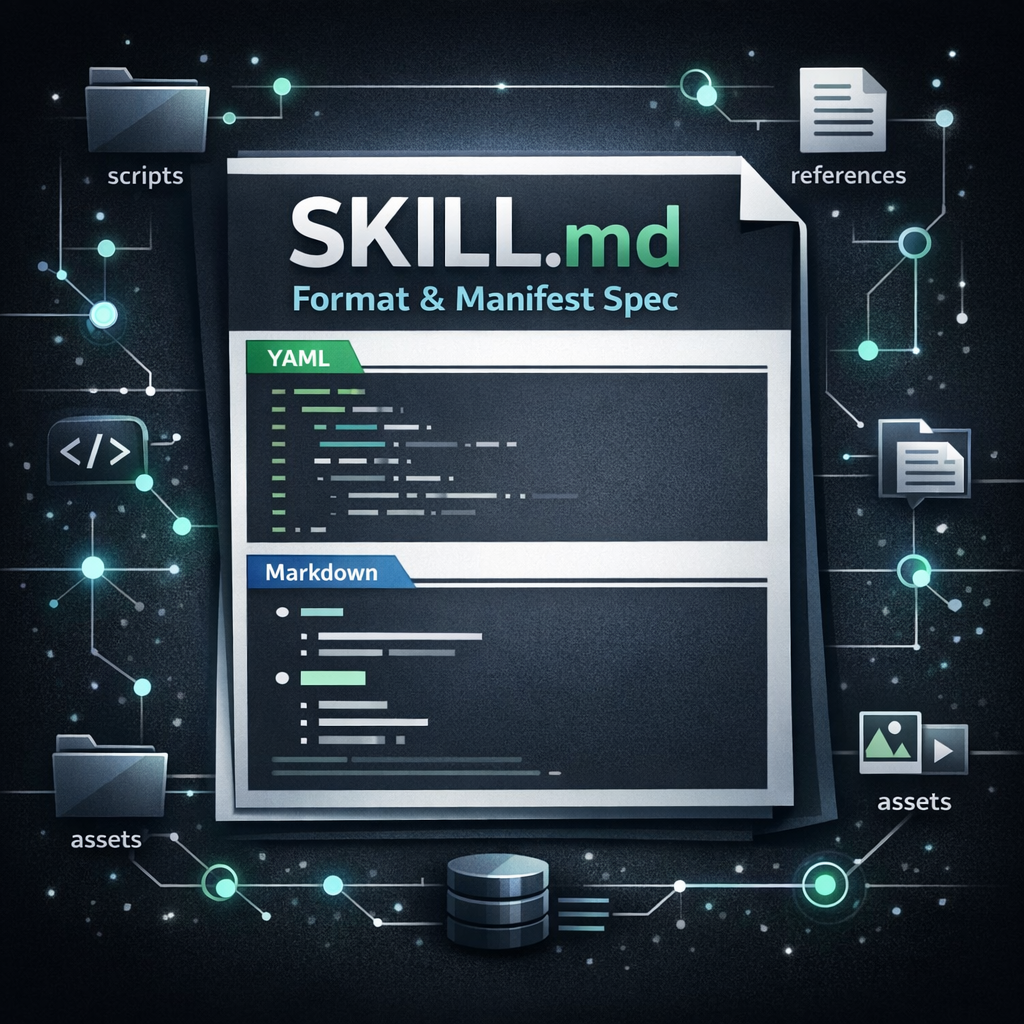
A valid portable SKILL.md file has two parts:
- YAML frontmatter between
---delimiters. The open Agent Skills spec requiresnameanddescription. - Markdown body after the frontmatter. This contains the instructions, examples, workflows, constraints, and references the agent follows after the skill activates.
The surrounding skill folder can also include scripts/, references/, and assets/ directories for executable helpers, longer documentation, and templates.
This page is the focused manifest reference for SKILL.md. If you want the overview (what skills are, where to find them, how to install and secure them), start with the AI agent skills guide. For differences between clients, see Claude Code vs OpenAI Codex skills.
Copyable Minimal SKILL.md Template
Use this as the smallest portable starting point. The description should explain both what the skill does and when the agent should use it.
---
name: run-tests
description: Run the project test suite and report results. Use when the user asks to run tests, check failing tests, verify CI locally, or confirm whether the build is safe to ship.
---

# Run Tests

## When To Use
Use this skill when the user wants the test suite run, checked, debugged, or summarized.

Do not use this skill when the user only asks to write new tests or explain testing strategy.

## Steps
1. Detect the test runner from project files.
2. Run the appropriate test command.
3. Summarize failures with file names, failing test names, and likely causes.
4. If tests pass, report the command and result briefly.

## Safety
- Do not edit files unless the user explicitly asks for fixes.
- Ask before running slow, destructive, or network-dependent commands.
SKILL.md Frontmatter Field Reference
The portable open spec keeps the top-level manifest small. Use platform-specific extensions only when you know the target client supports them.
| Field | Portable status | Use it for | Notes |
|---|---|---|---|
name |
Required | Stable skill identifier. | Use lowercase letters, numbers, and hyphens. Keep it short and match the folder name for maximum compatibility. |
description |
Required | Agent discovery and routing. | This is the highest-leverage field. Include the task, trigger phrases, and boundaries. |
license |
Optional | License name or reference. | Useful for public or shared skills. Keep the complete license in a bundled file if needed. |
compatibility |
Optional | Runtime requirements. | Use for required binaries, OS assumptions, network access, package managers, or intended client notes. |
metadata |
Optional | Client-specific or team-specific values. | Good place for metadata.version, owner, package name, registry ID, or internal governance data. |
allowed-tools |
Optional / experimental | Pre-approved tool hints where supported. | Support varies. Do not rely on it as your only safety boundary. |
version |
Not a portable top-level field | Version tracking if your client or registry expects it. | Prefer metadata.version or external package/registry releases if portability matters. |
Recommended Skill Folder Structure
A skill is a directory, not only a file. The file names below are conventional and easy for agents to reason about.
run-tests/
|-- SKILL.md
|-- scripts/
|   `-- run_tests.sh
|-- references/
|   `-- test-conventions.md
`-- assets/
    `-- junit-report-template.xml
Keep the main SKILL.md focused. Link to larger reference files only when they are needed for the task, for example: See references/test-conventions.md before changing flaky test handling.
How Agents Load SKILL.md Files
Agent skills use progressive disclosure. The agent starts with the lightweight manifest metadata, then loads the full Markdown instructions only when the skill is selected.
- Discovery: the agent sees skill names, descriptions, file paths, and sometimes optional metadata.
- Activation: the agent loads the full
SKILL.mdbody when the task matches the description or the user invokes the skill directly. - Resource loading: scripts, references, and assets are read or executed only when the skill instructions call for them.
Claude Code vs OpenAI Codex Notes
The portable core is the same idea, but platform discovery and extensions differ. Keep the shared skill clean, then add platform-specific metadata around it.
| Area | Claude Code | OpenAI Codex |
|---|---|---|
| Common portable format | SKILL.md with YAML frontmatter and Markdown body. |
SKILL.md with YAML frontmatter and Markdown body. |
| Project path | .claude/skills/<skill-name>/SKILL.md |
.agents/skills/<skill-name>/SKILL.md |
| User path | ~/.claude/skills/<skill-name>/SKILL.md |
$HOME/.agents/skills/<skill-name>/SKILL.md |
| Direct invocation | /skill-name |
Type $ to mention a skill, or use available skill selection surfaces. |
| Optional metadata | Claude-specific frontmatter can control invocation, arguments, tools, model, effort, paths, shell, hooks, and subagent context. | agents/openai.yaml can configure UI metadata, invocation policy, and MCP tool dependencies. |
| Compatibility rule | Keep Claude-specific fields documented and safe if the same skill is shared elsewhere. | Keep agents/openai.yaml beside the portable skill instead of mixing UI concerns into SKILL.md. |
SKILL.md vs Function Calling and API Tool Definitions
A SKILL.md manifest is not an API schema. Function calling (the tools parameter of model APIs) sends a JSON Schema description with each request, a tool name, a description and typed parameters, so the model can return a structured call that your code executes. A skill is different: it is a folder the agent reads from disk. Only the name and description are visible up front, and the Markdown body and bundled files load when the skill is selected.
- Use function calling when you need a typed, machine-validated call into code or an API you host.
- Use a skill when you need reusable instructions, a workflow or reference material. A skill’s
scripts/can call APIs, but the manifest itself defines no request schema. - Adapters: a client without native skill support can place each skill’s
nameanddescriptionin its system prompt (the Agent Skills reference library can generate such a prompt block) and read the full body only when the skill is chosen. Keep the portable core unchanged so the same folder still works in Claude Code and OpenAI Codex.
SKILL.md Versioning Guidance
The open Agent Skills specification does not require a top-level version field. That matters if you want a skill to travel across Claude Code, OpenAI Codex, and other compatible tools.
For portable versioning, use one of these patterns:
- Best for repositories: rely on Git tags, commits, releases, and pull requests.
- Best inside the manifest: use
metadata.versionand treat it as optional metadata, not as a universal parser requirement. - Best for registries: let the registry or plugin package own version numbers and distribution rules.
- Best for teams: include owner and review fields under
metadata, for examplemetadata.ownerandmetadata.reviewed_at.
---
name: release-checklist
description: Validate release readiness. Use before publishing a package, tagging a release, or deploying production code.
metadata:
  version: "1.4.0"
  owner: "platform-team"
  reviewed_at: "2026-04-19"
---
Writing the Description Field
The description is the routing signal. It should be concise, but not vague. A good description says what the skill does, when to use it, and what nearby tasks it should not handle.
| Weak | Stronger |
|---|---|
description: Helps with tests. |
description: Run and summarize the project test suite. Use when checking failing tests, verifying CI locally, or confirming a branch is safe to ship. Do not use for writing new test cases unless the user asks for fixes. |
Security Checklist Before Sharing a Skill
A skill can influence an agent's behavior and may include executable scripts, so treat it like a code dependency.
- Read the full
SKILL.mdbefore installing. - Review every file in
scripts/. - Document network access in
compatibility. - Use safe defaults and confirmation gates for destructive actions.
- Keep scripts short, non-interactive, and explicit about inputs.
- Pin external dependencies outside the skill where possible.
Portable SKILL.md Validation Checklist
- The file is named exactly
SKILL.md. - The file starts with YAML frontmatter delimited by
---. nameis lowercase, short, hyphenated, and stable.descriptionexplains the task and the trigger conditions.- The Markdown body gives imperative steps, expected inputs, expected outputs, and safety boundaries.
- References to extra files use relative paths from the skill root.
- Platform-specific behavior is either optional or isolated in platform-specific metadata.
Sources Used
This reference is based on primary documentation and visible search behavior:
Frequently Asked Questions
What is the minimum valid SKILL.md format?
A portable SKILL.md starts with YAML frontmatter containing name and description, then continues with Markdown instructions.
Is version a required SKILL.md field?
No. Use metadata.version or external release/version tooling if you need version tracking.
Can the same SKILL.md work in Claude Code and OpenAI Codex?
The portable core can work across compatible tools. Discovery paths and optional metadata differ, so isolate client-specific behavior.
Should I put long documentation inside SKILL.md?
Only if it is essential every time the skill activates. Move large references into references/ and link them from the body.
Is SKILL.md the same as function calling or an API tool definition?
No. Function calling sends a JSON Schema tool definition with each API request so the model can return a structured call. A SKILL.md skill is a folder of instructions the agent reads from disk: only the name and description load up front, and the body loads when the skill is chosen. Use function calling for typed calls to code you host; use a skill for reusable workflows and reference material.
