Retro Snowy Tactical Selfie
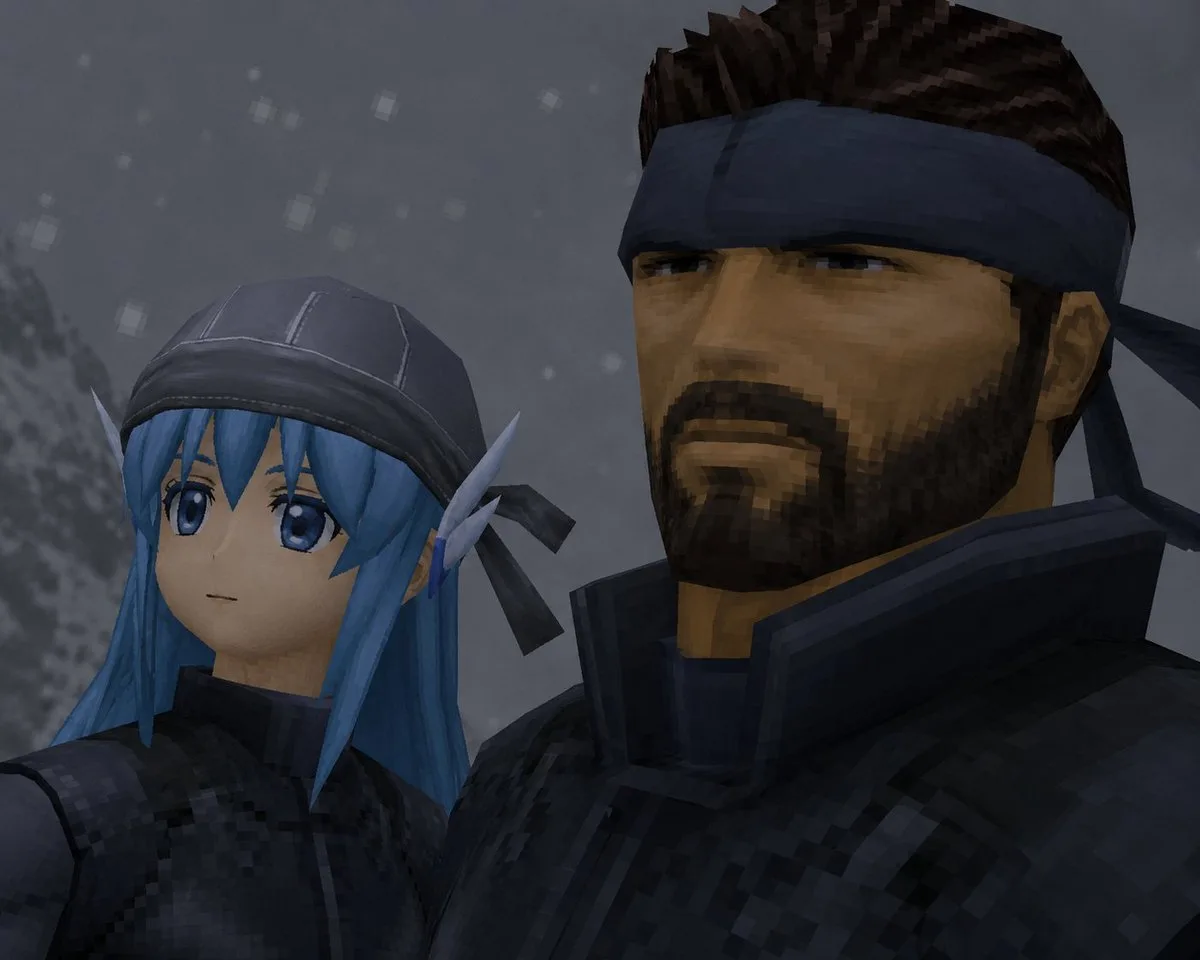
The PromptCreate a low-resolution retro 3D video game cutscene-style close-up selfie of exactly two characters standing shoulder to shoulder in a snowy, gray mountain environment. Use a dark, moody PlayStation 1 / early PlayStation 2 aesthetic with visible polygonal geometry, blocky textures, jagged edges, muted lighting, and a 4:3 aspect ratio. The left character is {argument name="left character" default="a petite blue-haired elf girl named Yuki"} with long bright blue hair, pointed elf ears, a dark stitched cap or hood with black ribbon ties, and black tactical clothing; her face is deliberately covered by one opaque square censor block in a cool gray-blue tone. The right character is {argument name="right character" default="a rugged Solid Snake-like soldier"} with spiky dark brown hair, a navy headband tied at the back, tan skin, and bulky black tactical armor with a high collar; his face is deliberately covered by one larger opaque square censor block in a dark brown-black gradient. The composition is an intimate upward-angled close-up, with the left character lower and partly cropped on the left side, and the right character taller, dominating the right side and cropped at the top. Add a cold foggy background with a blurred snowy slope on the far left and exactly two visible face-covering censor squares, one over each character. Include soft falling snow made of small square pixel-like flakes scattered through the background. Keep the image dark, cinematic, and intentionally imperfect, like a captured frame from an old stealth-action game.